

M4Pro powered MacOS Runners for GitHub Actions
New M4Pro powered MacOS runners for GitHub Actions
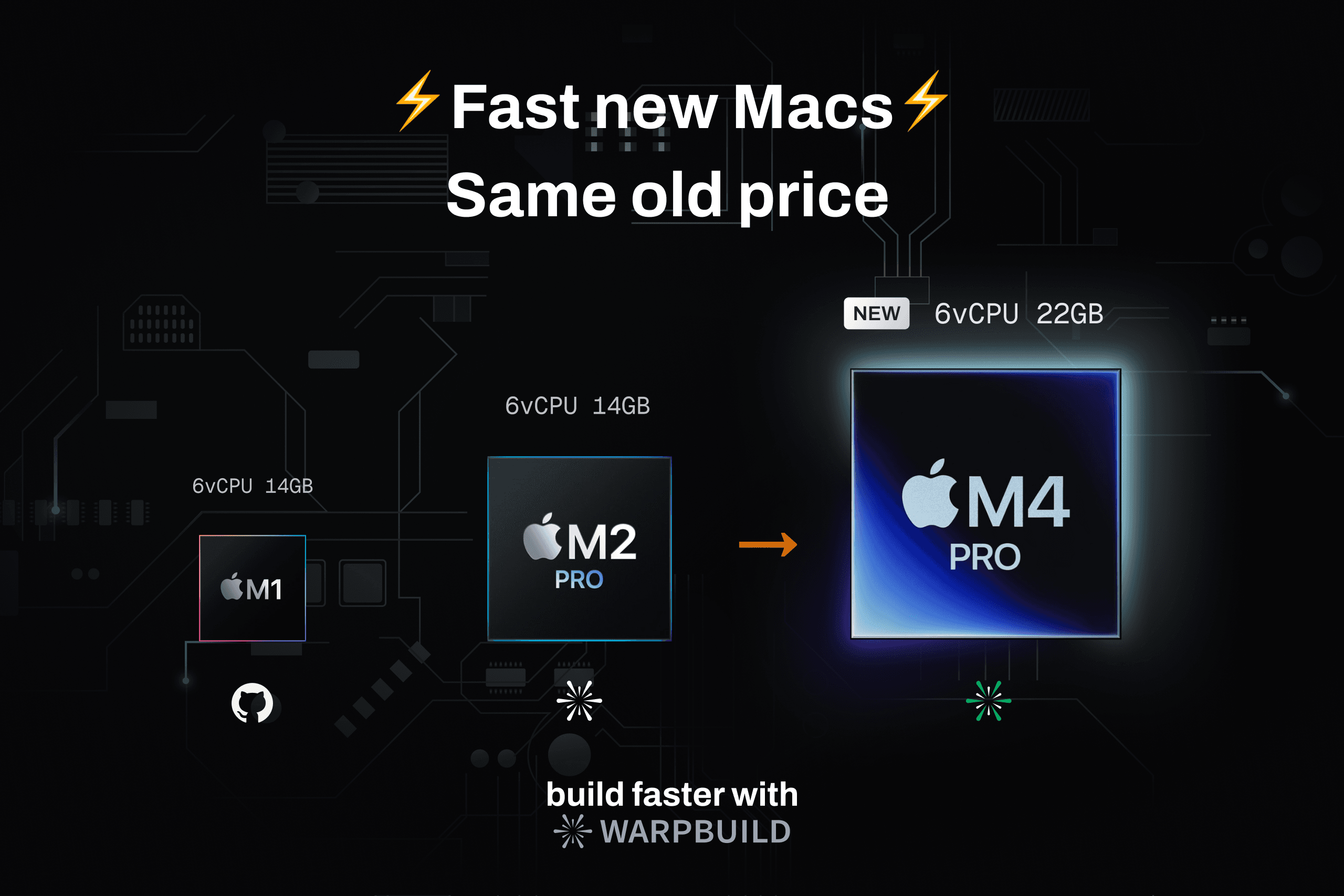
Update: macOS runners now run on M4 Pro and M5 Pro, with 14GB of memory on 6 vCPU runners and 28GB on 12 vCPU runners. See the current runner specs.
WarpBuild's new M4Pro powered MacOS runners for GitHub Actions are now available.
This is a huge upgrade from the previous M2Pro powered runners and is a step towards providing the best possible experience for MacOS runners on GitHub Actions.
What's new?
The new runners are powered by the latest M4Pro processors and are 30% faster than the previous M2Pro runners in our benchmarks. They are the same price as the previous runners, but also come with a higher 22GB RAM (up from 14GB RAM previously).
The PassMark single core CPU benchmark score for the M4Pro processor is 4625, vs 4100 for the M2Pro processor.
How do I get access?
All users have been upgraded to the new runners. When a MacOS runner is requested, the new M4Pro runners will be used.
- Add the WarpBuild bot to your organization and provide permissions to the repository.
- Change the runner type to
warp-macos-15-arm64-6xin your GitHub actions workflow.
Note
Try out WarpBuild's new MacOS runners powered by the latest M4Pro processors - Documentation. - Get started.
FAQ
Should I choose a 6-vCPU or 12-vCPU runner for simulator tests?
Choose based on memory pressure and useful test parallelism. WarpBuild’s macOS runner specifications list 14GB for 6 vCPUs and 28GB for 12 vCPUs. Compare completion time and cost with your simulator workload.
What should I measure when trying the newer macOS runners?
Compare compilation, simulator tests, dependency setup, and total job duration using the same commit and Xcode version. Keep cache conditions consistent so you can see which parts of your workflow benefit from the newer hardware.
How many simulator test workers should I run at once?
Increase workers gradually while watching memory use and total suite duration. Keep the setting that finishes the suite fastest without introducing failures or slowing individual tests through resource contention.
Which Apple silicon hardware is available for macOS runners now?
WarpBuild’s macOS fleet uses M4 Pro and M5 Pro hosts. Choose a supported runner label for the macOS version and size your workflow needs; retain the original M4 configuration when reproducing the article’s historical benchmark.
Where can I check installed Xcode and simulator versions?
Use the preinstalled-software documentation and the image manifest for your selected macOS label. Tooling changes with image updates, so verify the installed Xcode and simulator runtimes when pinning a release workflow.
Github Actions runners in your AWS account
WarpBuild can now manage Github actions runners on your own AWS account to increase security, customizability, and cut costs
Fast MacOS runners for GitHub Actions
WarpBuild provides fast, ephemeral MacOS runners for GitHub actions that are 25% faster and 50% cheaper.