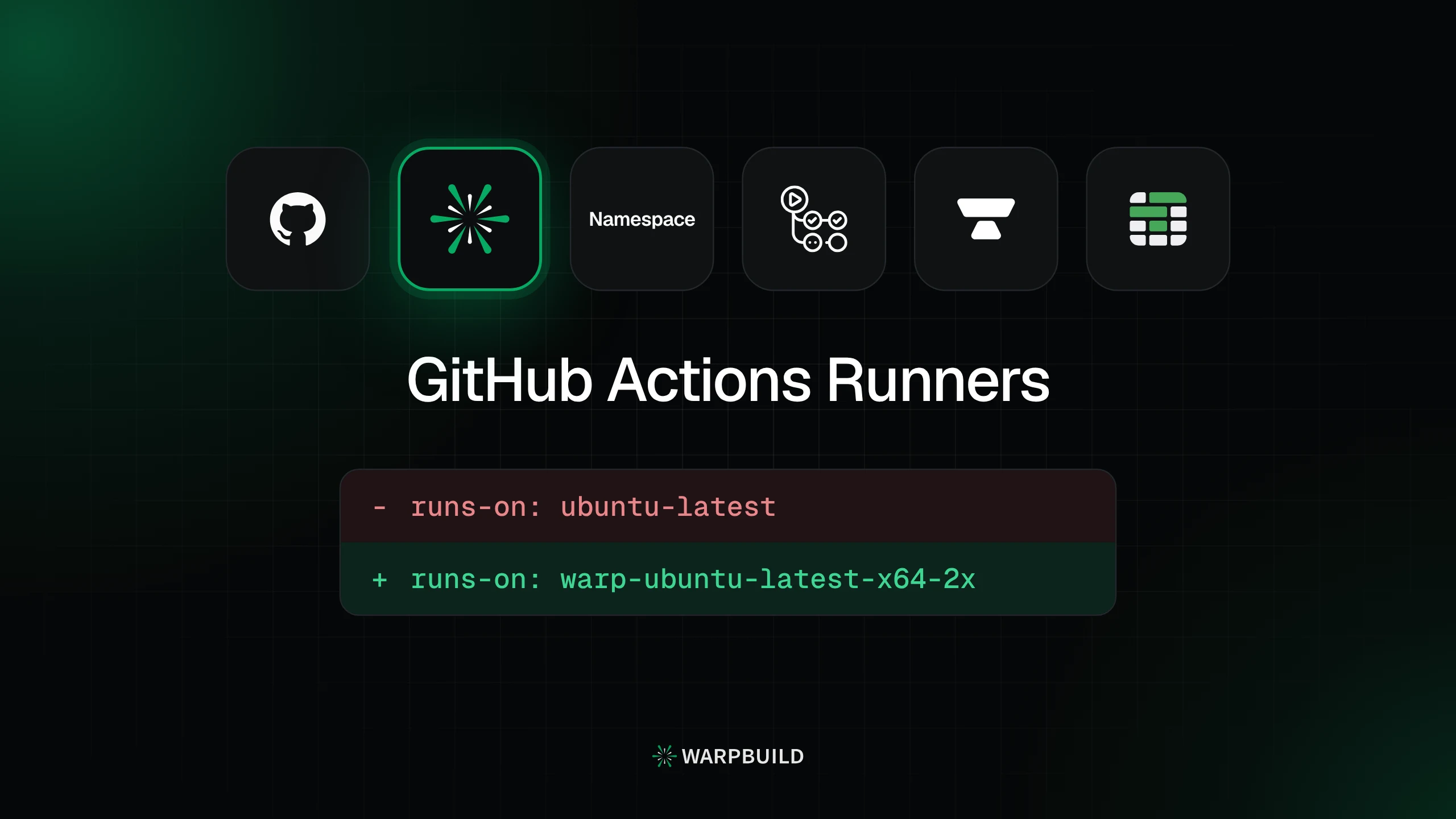
If you're reading this, CI has probably become the slow part of shipping. Coding agents and teammates push all day, every push queues another full run of builds and tests, and on GitHub's hosted runners that shows up as jobs stuck on "Waiting for a runner to pick up this job", macOS builds that take longer than the change they're testing, and an Actions bill that climbs every month. You've likely tried the usual fixes already: splitting test suites, caching harder, cancelling stale runs. They help, but the runner underneath is still the bottleneck.
Moving your jobs to a different runner is the next step, and it's a small one: your workflows stay as they are and only the runs-on label changes. The real decision is where to move. BuildJet and Cirrus CI have both shut down, so a few names you might have shortlisted a year ago are gone. Here are the six options still worth a look in 2026, GitHub's own runners included, with what each does well and where it falls short.
1.GitHub-hosted runners
Best for zero setup. The default. Nothing to install, and standard runners are free on public repositories.
Where it stands out
- Zero setup.
- Free standard runners on public repositories, and included usage on every plan.
- The broadest platform range, including GPU and Windows on ARM.
- The cheapest macOS minute on either price list: $0.062 for the 3 vCPU standard runner.
Watch out for
- Concurrency capped by plan: 20 to 500 jobs, and 5 or 50 for macOS.
- SAML requires a per-seat Enterprise Cloud upgrade.
- No choice of region for runner compute.
- Larger runners need a payment method, and draw on included usage only on Team and Enterprise Cloud.
Key facts
| Where runners run | GitHub's Azure VMs. No own-cloud option. |
|---|---|
| Concurrency | Capped by plan: 20 to 500 jobs, 1,000 for larger runners; macOS 5 or 50 |
| Pricing | Per-minute rates on per-user seat plans; larger runners need a payment method |
| Free tier or trial | Free on public repos (standard runners); $12 to $300 of included usage a month by plan |
| SSO | SAML on Enterprise Cloud only, a per-seat plan upgrade |
| Platforms | Linux x64 and arm64, Windows x64 and arm64, macOS Intel and Apple Silicon, GPU larger runners |
How WarpBuild compares: WarpBuild jobs don't wait behind a plan-level concurrency cap on generally available Linux and Windows runners, and its macOS runners use Apple M4/M5 Pro, newer than GitHub's M2 Pro larger runner, with one more vCPU.
2.WarpBuild
Best overall. WarpBuild replaces GitHub-hosted runners with a one-line runs-on change and runs your jobs on its own fleet or inside your AWS, GCP or Azure account. It's the only provider here that does both across all three clouds, and the only one with a Terraform provider.
Where it stands out
- Your cloud or ours, on AWS, GCP and Azure, with a Terraform provider for BYOC on AWS.
- SAML 2.0 and OIDC at a flat $250 a month, whatever your seat count.
- No plan-level concurrency caps on generally available Linux and Windows runners.
- Action Debugger (pauses a job so you can SSH in), snapshot runners and an MCP server for AI tools.
- Up to 40% below GitHub-hosted runners per minute, depending on runner size, with one rate per label and no plan, platform or seat fee.
Watch out for
- The Mac catalog is narrower: three macOS versions in up to two sizes, where Namespace offers eight shapes and Blacksmith more memory per vCPU.
- No GPU runners and no Windows on ARM. GitHub-hosted runners offer both.
- The free start is $10 in credits, not a monthly allowance.
- macOS concurrency is a per-organization quota set with support, not uncapped like Linux and Windows.
Key facts
| Where runners run | WarpBuild's cloud, or your own AWS, GCP or Azure account |
|---|---|
| Concurrency | No plan-level caps on generally available Linux and Windows runners; macOS uses a per-organization quota set with support |
| Pricing | One per-minute rate per label; no plan, platform or seat fee |
| Free tier or trial | $10 in credits at signup |
| SSO | SAML 2.0 and OIDC, flat $250 a month whatever your seat count |
| Platforms | Linux x64 and arm64, Linux arm64 on Apple Silicon, Windows x64, macOS, remote Docker builders |
Switching
The only required change is the runner label in your workflow file. Your actions, secrets and environments keep working.
- runs-on: ubuntu-latest+ runs-on: warp-ubuntu-latest-x64-2x
3.Namespace
Best for macOS breadth. Namespace runs jobs on hardware it owns and has the widest Mac catalog in this list.
Where it stands out
- macOS 14 to 27, eight shapes up to 16 vCPU and 56 GB, a beta Xcode channel and VNC into runners.
- Caching for Docker builds, Bazel, Turborepo and more.
- Linux on Apple Silicon, in early access.
- SOC 2 Type II.
Watch out for
- Concurrency is capped in vCPU by plan: Linux 32, 64 or 160; macOS 12, 24 or 48.
- SSO is Enterprise-only, with no published price.
- No option to run in your own cloud, and no Terraform provider.
- Billing in compute units times platform multipliers, across twelve meters.
- A 30-day trial, then no free allowance.
Key facts
| Where runners run | Namespace's own hardware. No own-cloud option. |
|---|---|
| Concurrency | vCPU caps by plan: Linux 32, 64 or 160; macOS 12, 24 or 48 |
| Pricing | Compute units times a platform multiplier; plans with included units; twelve meters |
| Free tier or trial | 30-day trial |
| SSO | Enterprise plan only, no published price |
| Platforms | Linux AMD64 and ARM64, Windows (not on Developer), macOS; Linux on Apple Silicon in early access |
How WarpBuild compares: WarpBuild removes the plan caps, bills one rate per label and runs in your own cloud. Namespace wins on Mac breadth.
4.Actions Runner Controller (ARC)
Best if you run Kubernetes. GitHub's free, open-source controller that runs runners as pods in your own Kubernetes cluster.
Where it stands out
- Free Apache-2.0 software.
- No vendor in the build path.
- Scales to zero, and runs in whatever region your cluster does.
Watch out for
- You operate the cluster, its upgrades and its logging.
- Linux only for scale sets: no macOS and no Windows image.
- No UI, no SSO and no debugger.
- GitHub supports the latest scale-set version only.
Key facts
| Where runners run | Pods in a Kubernetes cluster you operate, with no vendor control plane |
|---|---|
| Concurrency | Your cluster's capacity, set by maxRunners |
| Pricing | Free Apache-2.0 software; you pay for the cluster and staff time |
| Free tier or trial | Free software |
| SSO | None: no hosted console, machine-to-machine auth only |
| Platforms | Linux amd64 and arm64; no Windows image for scale sets; no macOS |
How WarpBuild compares: WarpBuild's bring-your-own-cloud mode also runs in your account, without a Kubernetes cluster to operate.
5.Blacksmith
Best free tier. Blacksmith runs GitHub Actions jobs on its own fleet in US and EU data centers, billed per minute with no base fee, and keeps a permanent free allowance.
Where it stands out
- 3,000 free minutes every month, no credit card.
- Transparent caching, from
actions/cacheto Docker layers, sticky disks and Bazel. - Analytics, log search and SSH into running jobs.
- No concurrency limits.
- macOS 15, 26 and 27, with 24 and 48 GB at 6 and 12 vCPU.
Watch out for
- Sign-in through GitHub only: no SAML or OIDC.
- No option to run in your own cloud.
- No public API reference and no Terraform provider.
- Windows runners are in public beta.
- Users report outages and flaky jobs. Blacksmith's own postmortem covers a July 2026 outage that left jobs unpicked for hours.
- Disclosed unauthorized access to its CI job-log store in November 2026.
Key facts
| Where runners run | Blacksmith's fleet in US and EU data centers. No own-cloud option. |
|---|---|
| Concurrency | No limits |
| Pricing | Per minute, no base fee; add-ons metered separately |
| Free tier or trial | 3,000 free minutes every month |
| SSO | GitHub login only |
| Platforms | Linux x64 and ARM, Windows (public beta), macOS |
How WarpBuild compares: WarpBuild matches Blacksmith on concurrency and SOC 2 Type 2, and adds your own cloud, SAML and OIDC sign-in, and Terraform.
6.Depot
Best for container builds. Depot started with fast container builds and now covers runners, cache, a registry and its own CI engine.
Where it stands out
- Container builds with public per-commit benchmarks and the method on the page.
- Usage tracked by the second, with no one-minute minimum per run.
- No concurrency limits.
- Runs in your own AWS account on its Business plan.
Watch out for
- One macOS shape (8 CPU, 24 GB), and macOS capacity isn't fully elastic.
- Own-cloud runs on AWS only, on the Business plan only.
- SSO is a paid add-on on Startup.
- Monthly plans plus six usage meters, after a 7-day trial.
Key facts
| Where runners run | Depot's AWS, or your own AWS account on the Business plan |
|---|---|
| Concurrency | No limits |
| Pricing | Monthly plans with included usage, plus six usage meters; usage tracked per second |
| Free tier or trial | 7-day trial |
| SSO | Paid add-on on Startup; included on Business |
| Platforms | Linux x64 and ARM, Windows, macOS |
How WarpBuild compares: WarpBuild runs in your own cloud on AWS, GCP or Azure, not just AWS on one plan, and bills one rate per label instead of plans and meters.
How to choose: start from your bottleneck
Most teams switch runners because of one specific problem. Start from yours.
- Jobs wait in a queue, builds run slowly, or CI has to stay inside your own cloud account: WarpBuild. No plan-level concurrency caps on generally available Linux and Windows runners, Apple M4/M5 Pro Macs against GitHub's M2 Pro larger runner, and runners on our fleet or in your AWS, GCP or Azure account.
- Your repositories are public, or your usage fits inside GitHub's included usage: stay on GitHub-hosted runners.
- Your build depends on a specific Mac shape or the largest Mac sizes: Namespace.
- You already run and staff Kubernetes, and policy rules out a vendor: ARC.
- You want a free allowance that renews every month: Blacksmith.
- Container builds are the bottleneck: Depot.
Test before you switch
Per-minute rates and spec sheets don't tell you how fast your own pipeline will run. Run one real workflow on the new runner for a week, next to your current setup, and compare:
- Queue time: how long jobs wait before a runner picks them up, especially at your busiest hour.
- Run time: the typical and the slowest runs, not a single best case.
- Cache restore time: how long dependency and Docker layer restores take on a warm run.
- Failure rate: runs that fail for infrastructure reasons rather than your code.
- Cost per successful run: a faster runner at a similar rate costs less per run.
Changing the runs-on label on one workflow is enough to run the test.
The bottom line
GitHub-hosted runners are the right place to start. The case for moving comes when CI time starts costing you: jobs waiting behind a concurrency cap, slow macOS builds, or a requirement to keep builds inside your own cloud. WarpBuild covers all three, on its own fleet or in your AWS, GCP or Azure account. If your constraint is narrower, such as a specific Mac shape, an existing Kubernetes platform, a monthly free allowance or container builds, the option named for it above is the better fit.
FAQ
How does WarpBuild compare to Blacksmith, Depot and Namespace?
WarpBuild is the only one that offers both its own fleet and your own cloud account on AWS, GCP and Azure, with SAML and OIDC at a flat $250 a month and one per-minute rate per label. The others suit narrower needs: Blacksmith a free allowance, Namespace Mac breadth, Depot container builds.
How do I make GitHub Actions builds faster?
Cache dependencies and split test suites first. If jobs still queue or builds are CPU-bound, change the runner: WarpBuild has no plan-level concurrency caps on generally available Linux and Windows runners, and runs macOS on Apple M4/M5 Pro, newer than GitHub's M2 Pro.
What does "reached concurrency limit" mean in GitHub Actions?
Your plan's job cap is full, so new jobs wait for a free slot. GitHub-hosted runners allow 20 to 500 concurrent jobs by plan and 5 or 50 on macOS. WarpBuild has no plan-level cap on generally available Linux and Windows runners, so jobs start instead of queueing.
Is GitHub Actions free, and what are its limits?
Standard runners are free on public repositories. Private repositories get $12 to $300 of included usage a month by plan, then pay per minute, with concurrency capped by plan. Past that point, WarpBuild runs the same jobs for up to 40% less per minute, depending on runner size.
Which runner providers are cheaper than GitHub-hosted runners?
WarpBuild is up to 40% cheaper per minute than GitHub-hosted runners, depending on runner size, with one rate per label and no plan, platform or seat fee. See the full price table. Blacksmith adds a monthly free allowance, while Depot and Namespace add plan fees and separately billed meters.
Which providers offer macOS runners, and on what hardware?
WarpBuild runs macOS on Apple M4/M5 Pro, newer than GitHub's M2 Pro larger runner, billed per minute with no plan fee. Namespace has the most Mac shapes, Blacksmith runs M4 at 6 and 12 vCPU, Depot offers one 8 CPU shape, and ARC has no macOS.
Can I run GitHub Actions runners in my own cloud (BYOC), or self-host with ARC?
Yes. WarpBuild runs and manages runners inside your own AWS, GCP or Azure account, with a Terraform provider on AWS. Depot does this on AWS only, on its Business plan. ARC self-hosts on Kubernetes, but you run the cluster, upgrades and images yourself.
Teams running CI on WarpBuild










 Whatnot




Run your next workflow on WarpBuild
Change one runner label and compare queue and run times against your current setup. Start with $10 in credits.